Platform:WinXP,Windows2000,Windows Vista Starter,Windows Vista Home Basic,Windows Vista Home Premium,Windows Vista Business,Windows Vista Enterprise,Windows Vista Ultimate
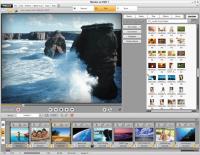
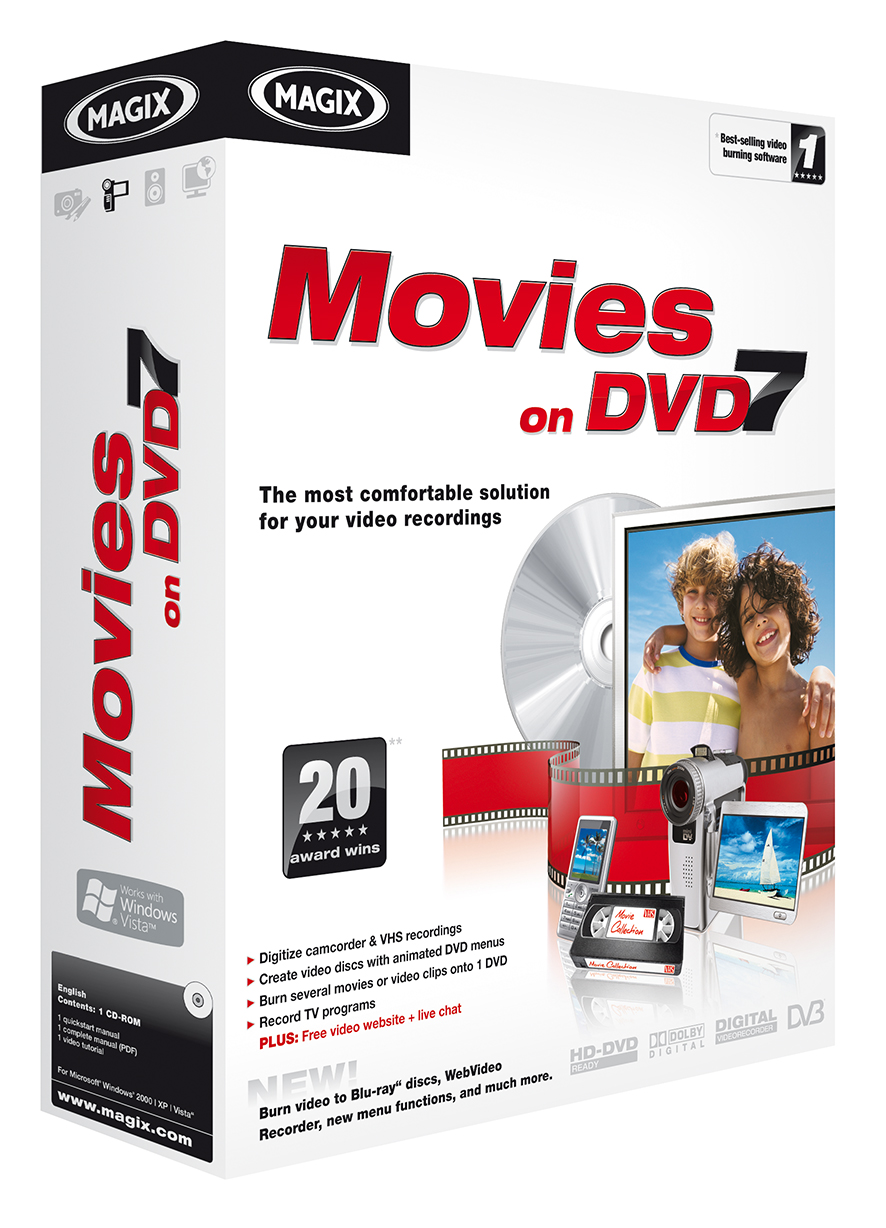
The most comfortable solution for your video recordings! MAGIX Movies on DVD 7 offers top-quality functions for every step of video editing: It doesn't get any quicker and easier!
The most comfortable solution for your video recordings! MAGIX Movies on DVD 7 offers top-quality functions for every step of video editing: It doesn't get
any quicker and easier! Pure cinema: Impress with professional DVD menus, experience the advantages or high-resolution HD and Blu-ray formats, take advantage of an efficient, smooth preview function. Import, edit, and burn in Dolby Digital sound without recalculation, present movies on your own video website, and much more.
? Digitize camcorder & VHS recordings
? Create video discs with animated DVD menus
? Burn several movies or video clips onto 1 DVD
? Record TV programs
PLUS! Free video website + live chat
NEW! Burn video to Blu-rayTM discs
WebVideo recorders, new menu functions, and much more
From any source: Experience movies on TV in an exciting new way!
With MAGIX Movies on DVD 7 making exciting video DVDs with professionally animated DVD menus is easy. Create unforgettable home video experiences in wide-screen format!
Your own video discs in just 3 steps
Simply import complete videos or clips from any source, select a menu, customize it if desired, and then burn it to disc completely automatically ? that's it! The result is hard to tell apart from professional, store-bought DVDs.
1. Import a movie 2. Adjust it individually 3. Experience it on TV!
The clearly laid out user interface, the intuitive functionality, and the practical 1-click features make it easy for beginners and advanced users alike to produce impressive results. Watching your movies will be as fun as making them! Whats new in version 7: Burn video to Blu-ray discs - WebVideo recorders - New menu functions - Personalized DVD menus - Present it online as a web DVD - Live user chat & knowledge portal Requirements: Proccesor 700 MHz or higher, 512 MB RAM, 1 GB hard disk memory Operating system: WinXP,Windows2000,Windows Vista Starter,Windows Vista Home Basic,Windows Vista Home Premium,Windows Vista Business,Windows Vista Enterprise,Windows Vista Ultimate Release notes: New Release
DVD Catalyst rips your DVD movies fast and easy to PSP iPod iPhone Zen Zune Cowon Nokia Motorola Blackberry Omnia HTC and more. Also converts video files, and supports Batch, Black bar removal, new free booster pack available on our website
Price: $24.95, Rating: 10, Downloads: 184 Download
Copy your DVD movies without losing quality. You can make backup copies of your DVD movies and watch it on your DVD Player! With its superior kernel, DVD XCopy Deluxe can backup your entire DVD movie.
Price: $59.95, Rating: 7, Downloads: 174 Download
Watch video On Demand from around the globe while surfing the Web. Browse from over 1.7 Million Videos from 100?s of Categories. Watch video as you surf the web (Word-processing, Email etc). 1000?s of videos Searched Daily.
Price: $, Rating: 9, Downloads: 163 Download
User Rating
Rating:2.2 out of
5 Based on13 ratings.
13 user reviews.

 MAGIX Movies on DVD 7 details